The screen area of any smartphone is significantly smaller than that of a laptop or desktop computer. Which means much less information fits on it. Let’s look at an example of a “news feed” type application below:
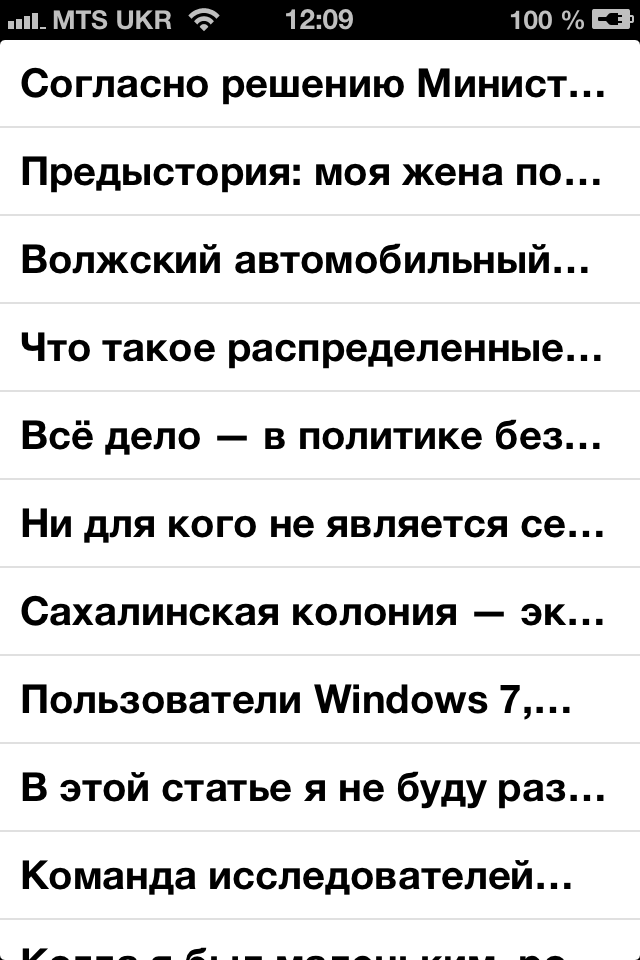
The standard Helvetica font is used here. You can see that only 2–3 words fit fully into the news headline, which is clearly too little to understand what the news is about. How can the situation be improved? One option is to reduce the font size. But in my work I use a different approach: the font size stays exactly the same, but a different typeface is used, one that has a narrower letterform. The figure below shows the same program using the PT Sans Narrow Bold font:
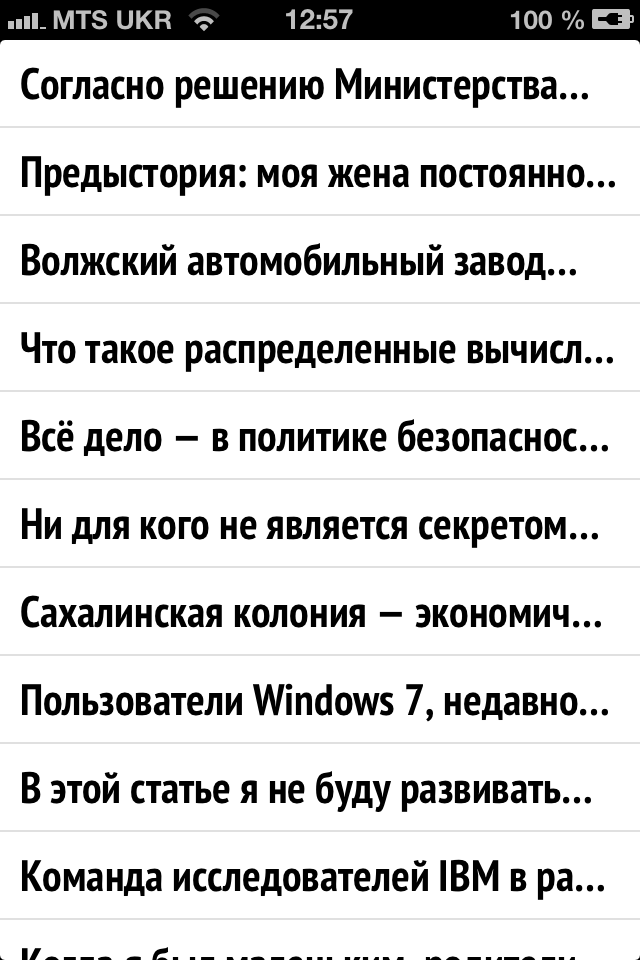
Thus, while keeping the font size the same, 3–4 words already fit into the news headline.
I prefer to use Paratype fonts because they include Cyrillic letters. The figure below shows what will happen if you load a font into the program whose authors only took care of Latin:
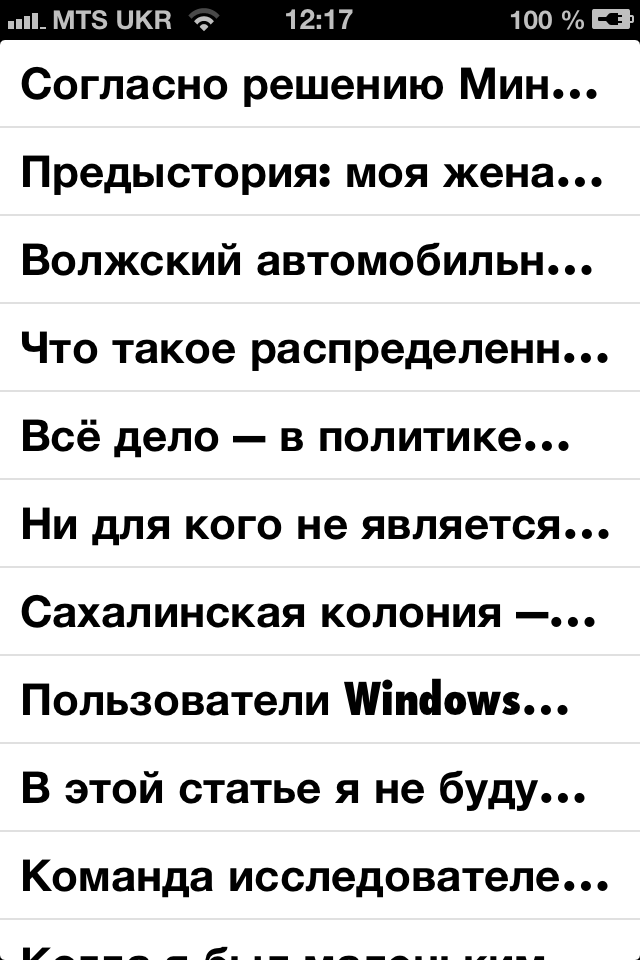
Here only the word Windows is narrow; all the other characters are taken from the standard Helvetica font.
The gain in the amount of information on the screen becomes noticeable when the headline is displayed in two lines:
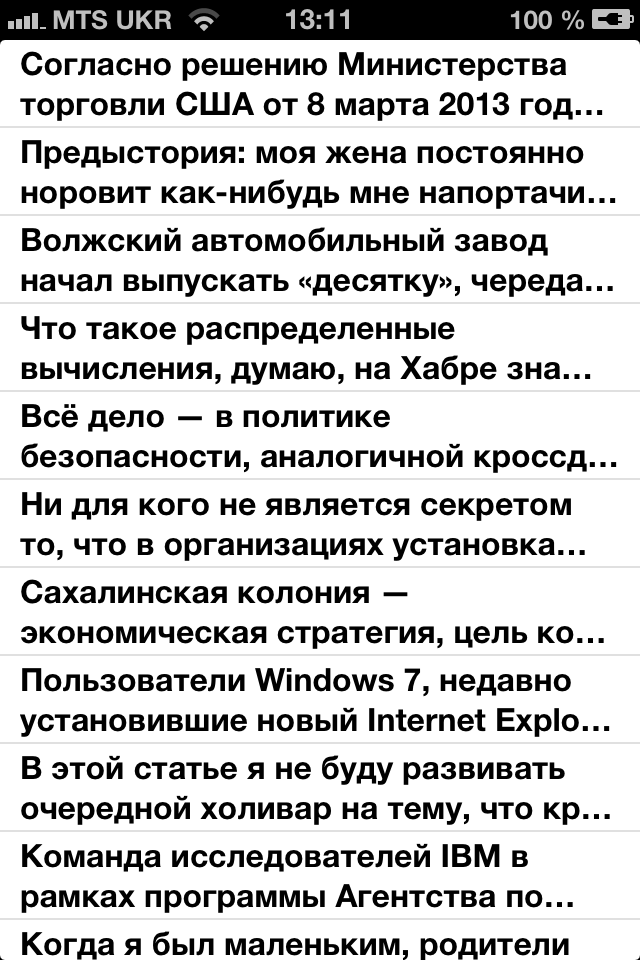
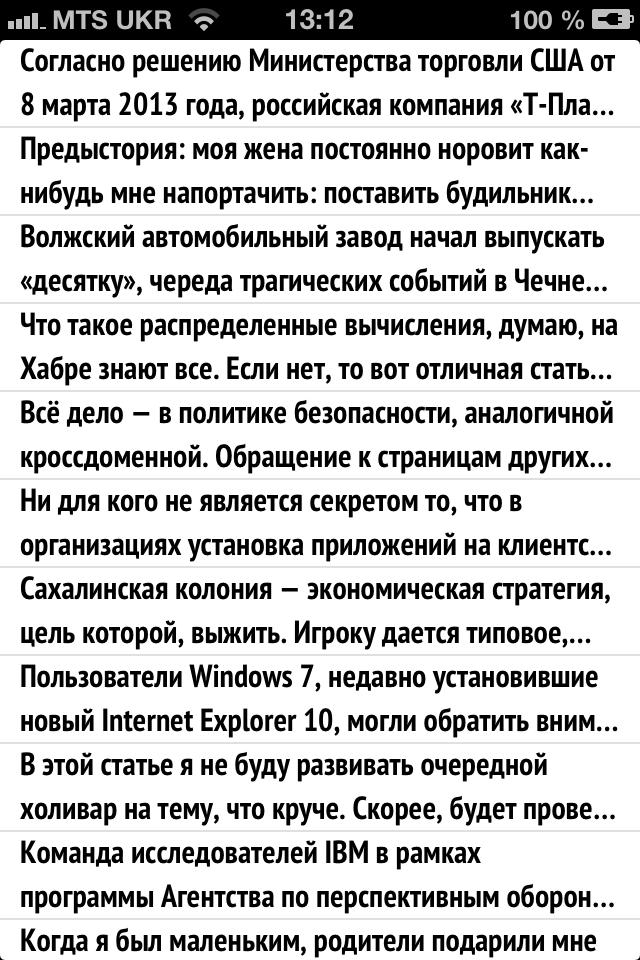
Modern Apple smartphones have screens with excellent resolution. This should be taken advantage of to increase the density of information presentation.
An example of enabling a narrow font in an iOS project can be looked at on GitHub: https://github.com/obrizan/NarrowFontTable